Add your game to the arcade
- Open familyarcade.eu on the device.
- Make your player if you have not done that yet.
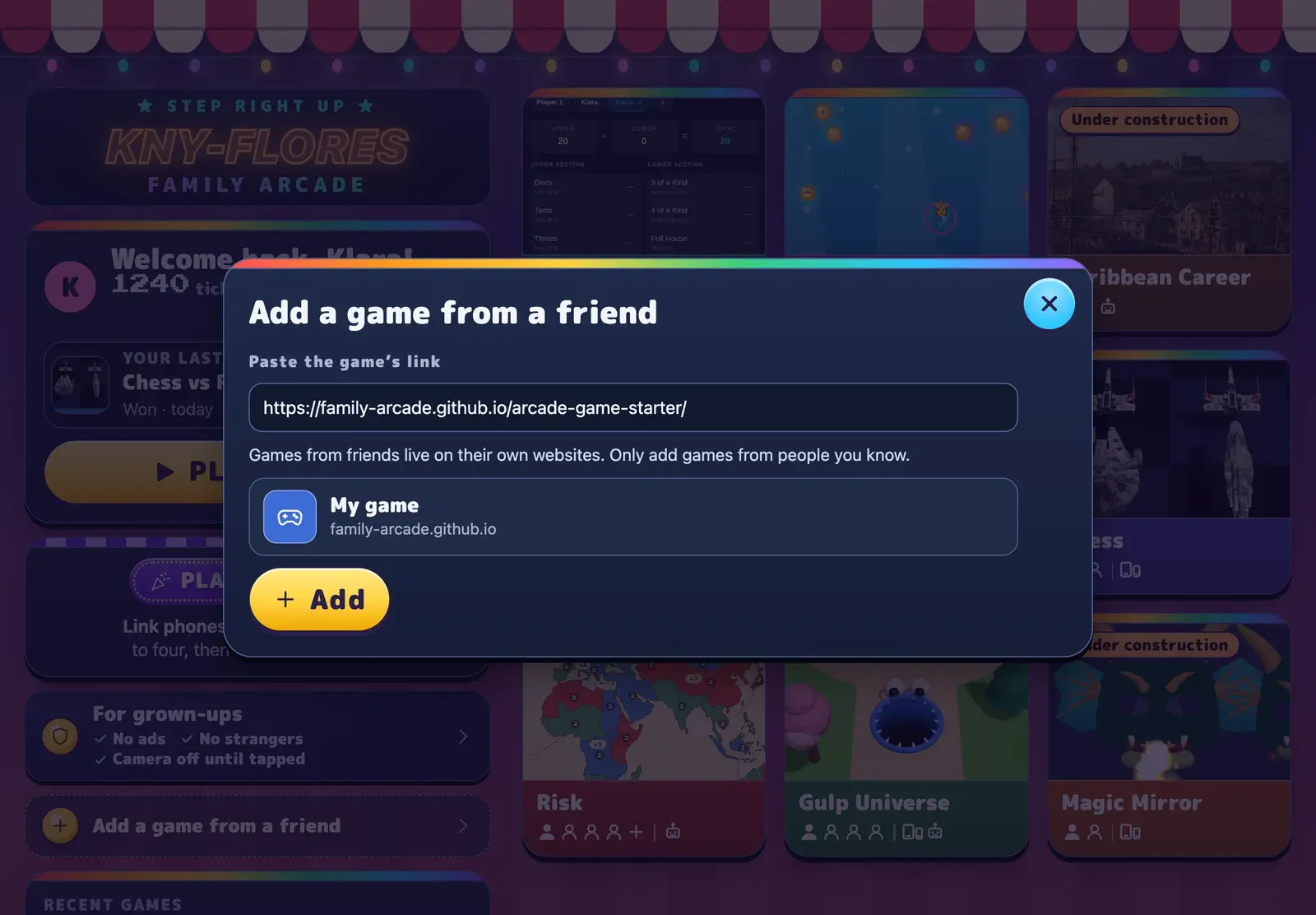
- Tap Add a game from a friend.
- Add your game:
- Paste your game’s link.
- Tap Look it up.
- Tap Add.
Your game is now a tile under From friends. Tap it to open your game with your player’s name and colour already filled in. Tap ← Arcade to go back.
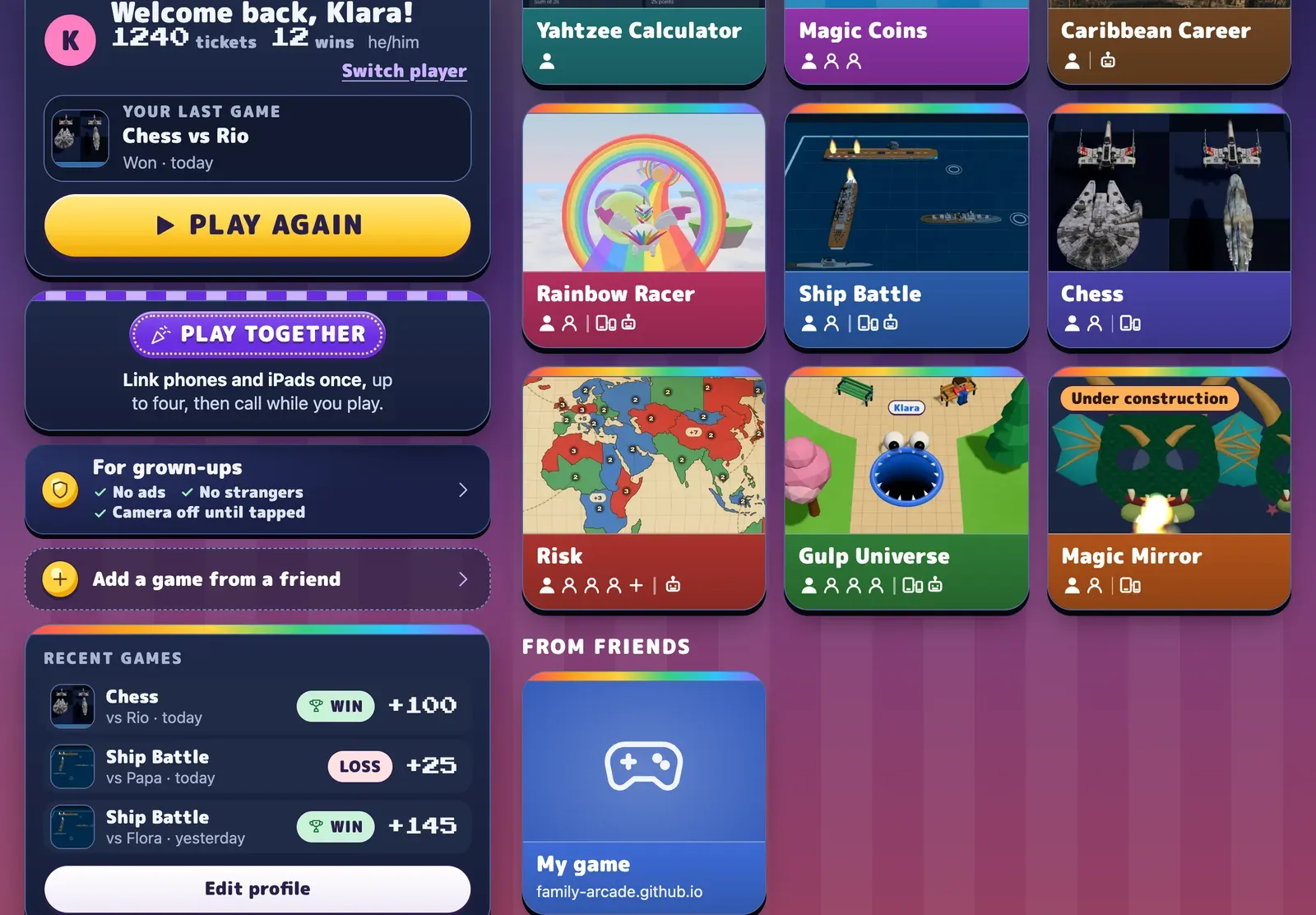
Add your cousins’ and friends’ games the same way. Use the links they send you.
Name and colour your game
Section titled “Name and colour your game”The arcade reads your game’s name and colour from a small file in your game,
public/arcade.json. Ask Claude to change it:
Rename the game to Dragon Dash, make its colour a deep purple, and update the description.
Next time someone adds your game, the tile shows the new name and colour.